Using a Jeopardy! -style Review Game For Content Review
 (4 votes)
 Loading...
Views: 929
Type: Content & Activities, Interaction & Collaboration
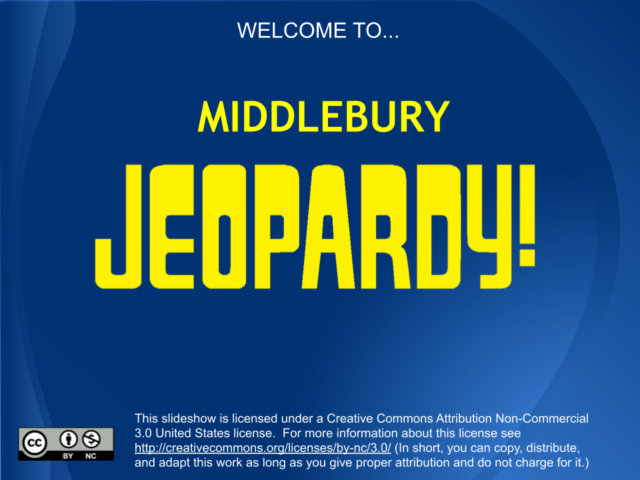
Trivia games provide a way to gamifiy course content, and can be a fun, low-stakes way for students to learn together while reviewing key skills or knowledge. In this activity, I created a Jeopardy!-style game about Middlebury, by modifying a free Google Slides template. You can use the template to create a Jeopardy!-style game using your course content – or, have students create the game. Asking students to create the game provides two opportunities for review; students will have to review facts in order to create a game, and the game can then be played by groups of students or the whole class.
There are lots of ways to play; here are some basic rules that we used to play Middlebury Jeopardy synchronously, over Zoom.
- break into teams, no more than 3 per team
- appoint a team leader, who will be the point person for responding
- set up inter-team communication in the chat
- team 1 has first opportunity to choose from the board. They can either answer, or pass (with no points deducted). If they answer correctly, they can choose again. If they answer incorrectly, points are deducted and the next team selects a question.
Scoring:
Correct answer adds points
Incorrect answer subtracts points
Example for "Using a Jeopardy! -style Review Game For Content Review":
https://docs.google.com/presentation/d/1h6wvPVfAdSCpvaTQbIASUy9m9KEe-Gj-_S9YjXknaWc/edit#slide=id.p


Leave a Reply